Don't Make Me Repeat Myself.
Your assistant remembers your family, and shows you exactly what it knows.
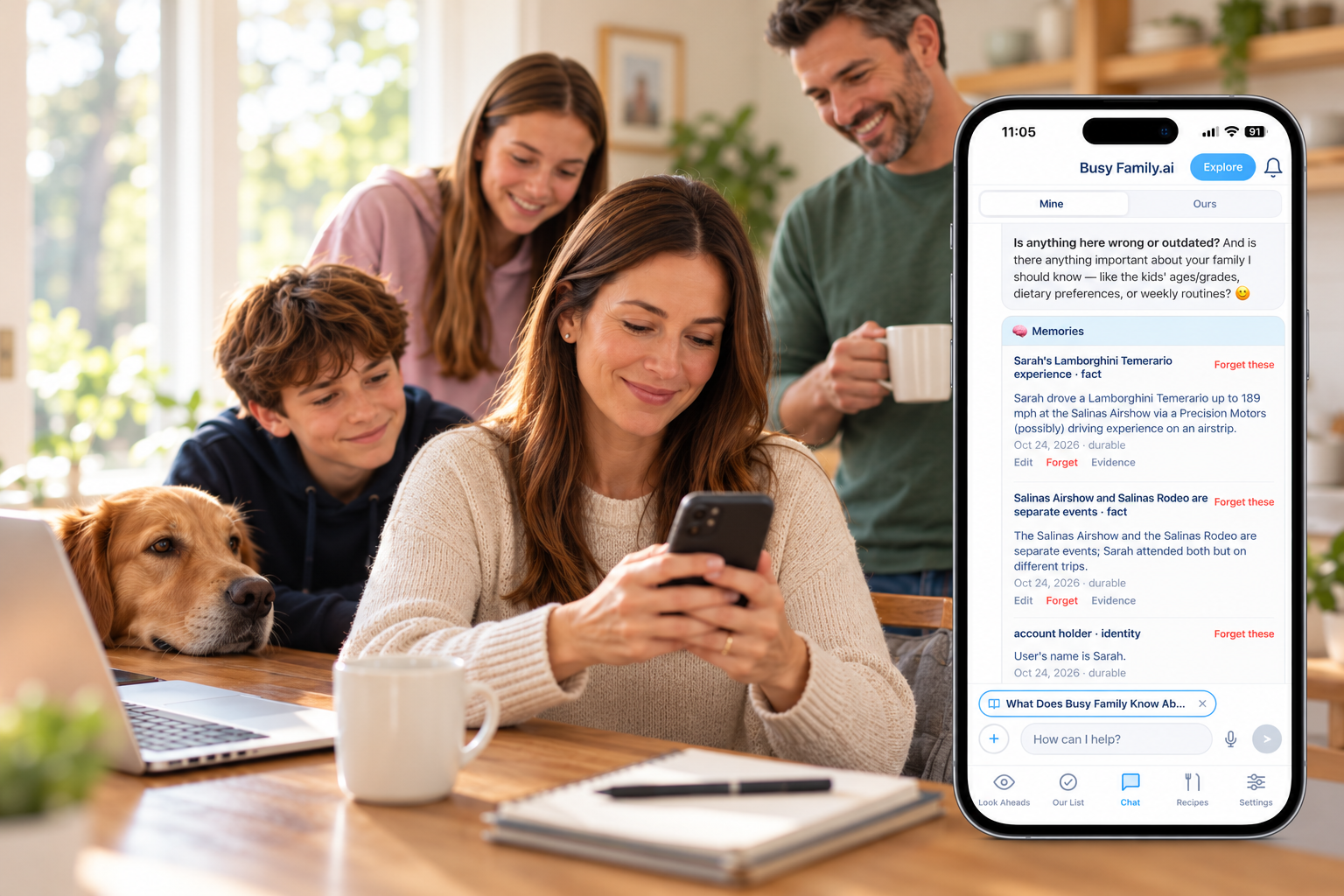
You have explained your family to a lot of people.
The new pediatrician. The babysitter. The substitute teacher. The coach who is new this season. The friend who is watching the kids on Saturday, who needs to know which one doesn't like to be rushed and which one will say they're fine when they aren't.
You are good at it by now. You have the speech down. Who is who. What matters. What to do if.
And somewhere along the way you started doing it for your technology, too. Every tool that is supposed to help makes you start from the top. This is my husband. This is my daughter. We eat early on weeknights. I would rather get a text than a call.
That is not help. That is a second job.
You Are the Briefing Document.
Think about everything you know about your family that is not written down anywhere.
Not the calendar. Not the to-do list. The other stuff. That Thursday is the long day. That one kid needs a heads-up before a change in plans. That you are off dairy this month. That the soccer pictures are Saturday and nobody should schedule over them. That your mother-in-law always asks first, and your spouse never does.
None of it is a task. All of it shapes every decision you make in a day.
And all of it lives in one place: you.
That is the quiet weight of being the person who knows. You are not just holding the plans. You are holding the context behind the plans, and handing it over, piece by piece, to anyone who needs to help.
Busy Family was built to take some of that off you.
What Changes When It Remembers.
When your assistant already knows your family, you stop starting from zero. Here is what that looks like.
You stop re-introducing everyone. You ask for help scheduling a dentist appointment for your daughter. Your assistant already knows who she is, who her other parent is, and that the two of you split pediatric appointments. It does not ask. It gets on with it.
It knows how you like things. You prefer a short text to a long email. You want the weekday summary before you leave the house, not after. You told it once. It does not need to be told again.
It knows what is still true. Some things you tell your assistant are lasting. Some are not. We're skipping dairy this month. Pictures are Saturday. Dad is traveling until the 12th. Your assistant keeps track of which is which, and quietly lets the temporary things go when their time is up. You do not have to go back and clean up what you said three weeks ago.
It finds the thing you only said once. Months ago, you mentioned which pharmacy you use. Today you ask, "What pharmacy do we use?" It remembers, even though you have not said it since.
None of this is flashy. That is the point. It is the difference between an assistant that feels like it was built for a household and one that feels like it was built for a demo.
It Learns by Listening.
There is no form to fill out. No setup screen. No list of preferences to tick through on a Sunday night you do not have.
You talk to your assistant the way you already do. When a conversation wraps up, it picks out what is worth keeping: the people, the routines, the preferences, the things that matter this week. It starts at onboarding, so your first conversation already has context.
It remembers what came up in your conversations. Each memory points back to the moment it learned it, so you can always check.
Show Me What You Know.
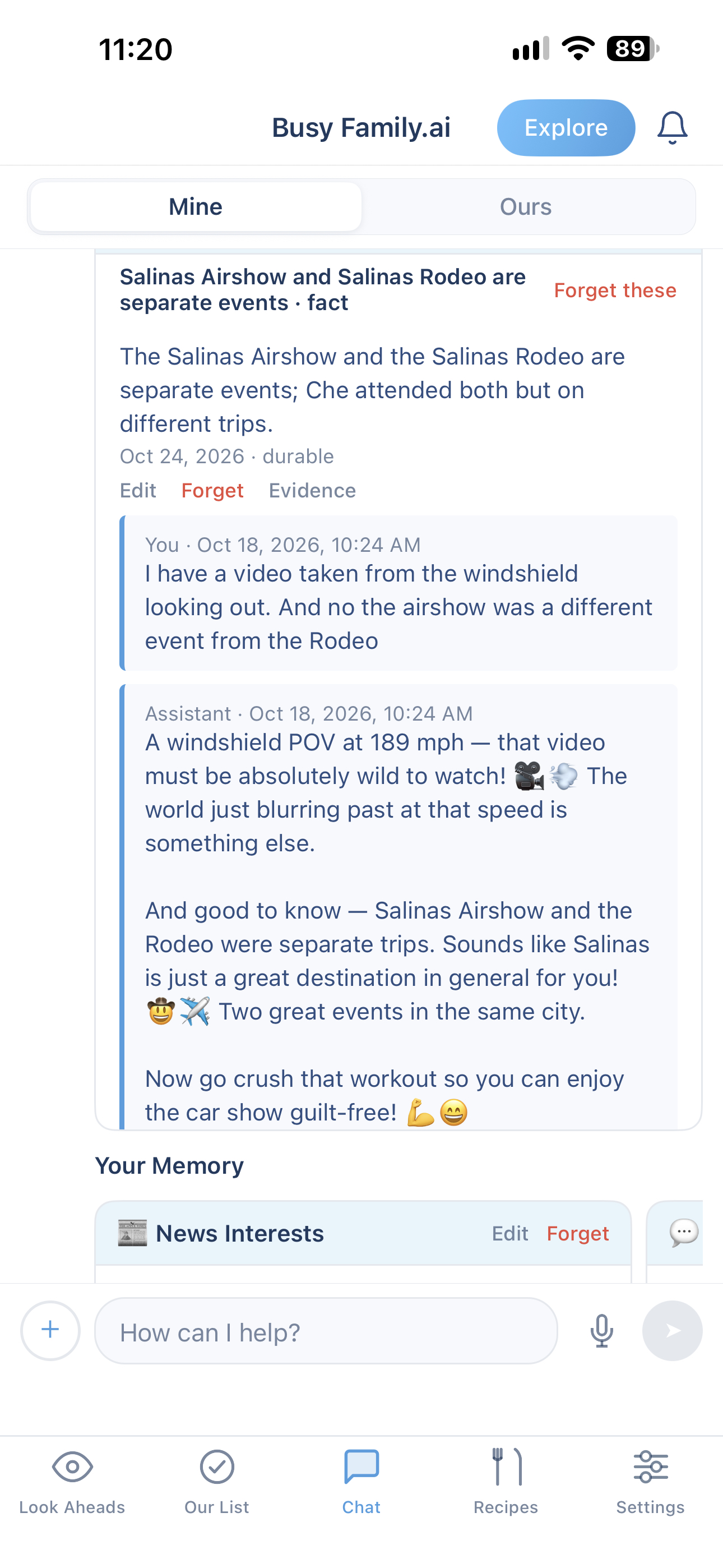
In this example, the user asked to see evidence for the Airshow and Rodeo memory, and the assistant showed the exact exchange that formed that memory.
Remembering is only useful if you can trust it.
So every memory can show its source. Tap one and you see the moment in your conversation that taught your assistant that fact, in your own words, with the date.
If it got something right, you have confirmation. If it got something wrong, you know right away, and you can fix it in a few seconds.
You Decide What Stays.
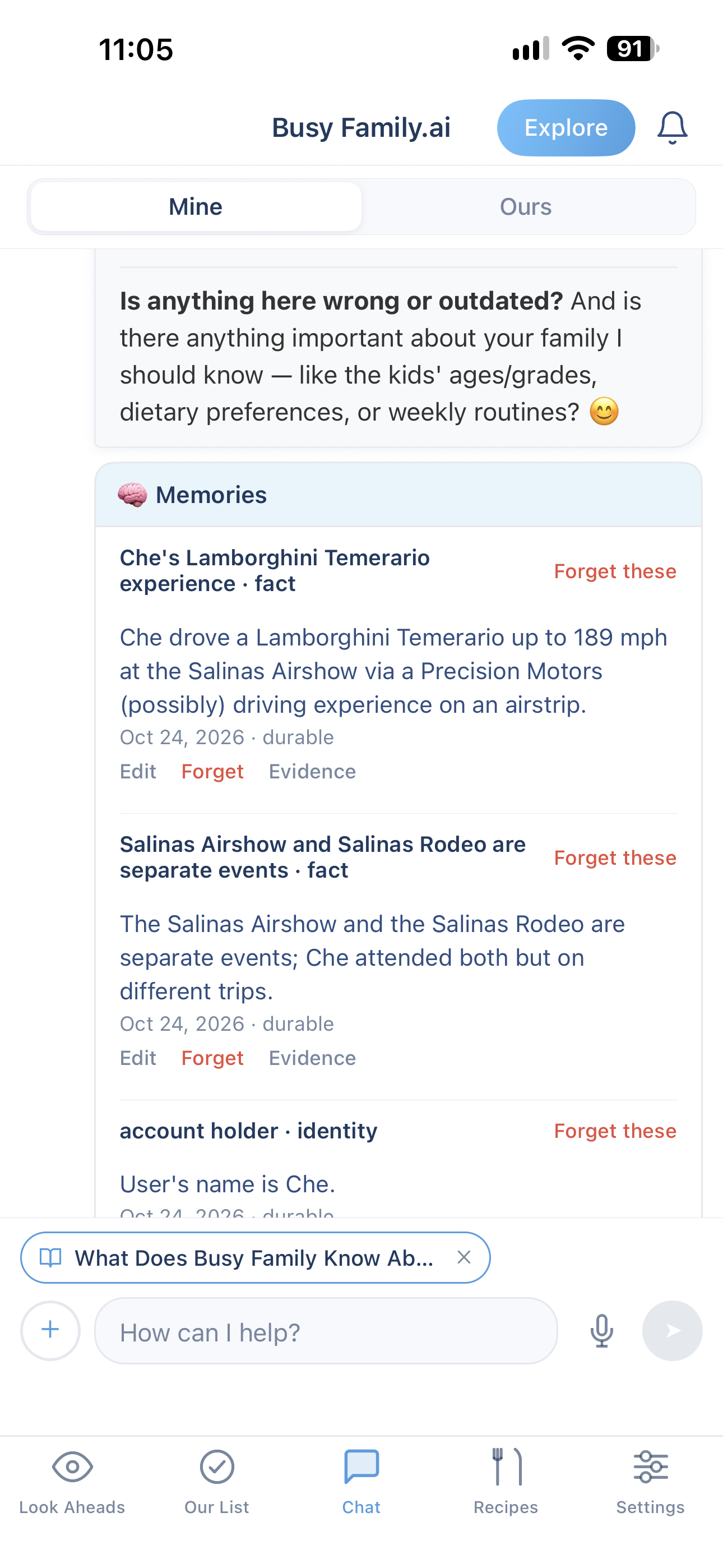
Ask your assistant, "What do you know about me?" or "Show me your memories." You will see everything it has kept, one item at a time.
From there, you are in charge:
- Edit one. Fix the wording on a single memory. Your assistant uses the new version from your next message.
- Forget one. Remove a memory. Your assistant stops using it.
- Forget a group. Want your assistant to let go of everything about a topic? You will see exactly how many memories that covers before anything is removed.
- Add your own. Something you want your assistant to know, without waiting for it to come up in conversation.
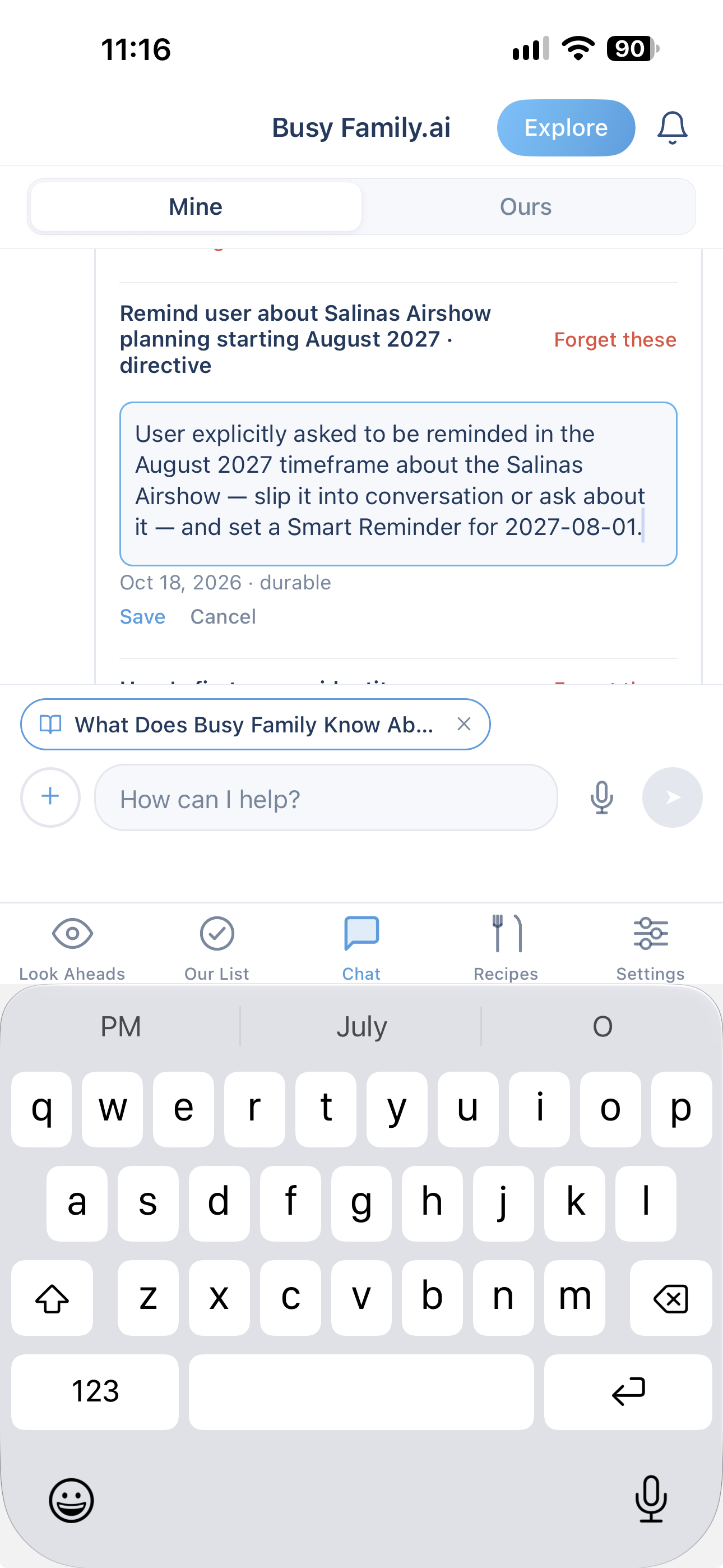
Personalization works because of memory. Trust works because you can see it, and change it.
You get both.
Careful With the Sensitive Stuff.
Some of what you share is more private than the rest. Health. Money. Anything about your kids.
Your assistant treats those differently. It uses them when they help with what you asked for, such as filling out a medical form, and it does not volunteer them in a message, a shared calendar entry, or a note that other people will read.
And in the shared household chat, your assistant draws on what it knows about your family without bringing along the summary of your last private conversation. What you say one-on-one stays one-on-one.
It Shows Up Everywhere You Do.
What your assistant remembers does not stay in one corner of the app.
- In your daily and weekly look-ahead, it shapes what is worth flagging for your family, not just any family.
- In recipe searches, it keeps the dietary needs you have already mentioned in mind.
- In your shared household chat, it brings the family context everyone benefits from.
- In every conversation, it starts with what it already knows.
One memory. Every place it helps.
The Fourth Thing You No Longer Have to Hold.
Smart Reminders were built to hold the moment, so you are ready when it arrives.
Skills hold the work, so you do not have to do it.
Document upload holds the knowledge, so you do not have to carry it.
Memory holds the context. The hundred small things that make it your family and not anyone else's. The part you have been quietly briefing everyone on for years.
Every family has one person who carries all of it. This is one more way of letting her put some of it down.
How to Get Started.
You do not have to do anything special. Just keep talking to your assistant the way you already do. What matters will be remembered after your conversations wrap up.
When you want to see what it has kept, try:
- "What do you know about me?"
- "Show me your memories."
- "Where did you learn that?" (Open any memory to see its source.)
Then open the Memory view to edit, forget, or add anything you like.
Tell it once. See what it feels like to stop repeating yourself.
Memory is available now in the web app and in the latest version of the Busy Family mobile app. Open your Busy Family assistant and say hello.