Don't Remind Me. Just Handle It.
Skills that don't just help you do the work — they do it for you.
There is a different kind of weight than the one we usually talk about.
It is not the weight of a task you haven't started or a call you keep rescheduling. Those things are at least visible. You can point to them and say: that one, right there.
The weight we are talking about moves. It follows you from the carpool line into the kitchen and out the door again the next morning. It is the recurring jobs you have not assigned to anyone — because there was no one to assign them to. The Sunday dinner scramble. The sick day that lands at 7am and means everything on your calendar needs to be cancelled, rescheduled, or explained to someone, all before the second cup of coffee. The school emails that should probably go on the calendar but probably won't, because doing it manually takes time you don't have.
None of that is on your to-do list. All of it is in your head. And that is exactly what makes it exhausting.
That is the problem Skills were built to solve.
The Difference Between Ready and Done
Smart Reminders were built on one insight: the burden of a task doesn't land when the reminder fires. It lands the moment you set it — because from then on, you are carrying everything that needs to happen when the moment arrives. Smart Reminders close that gap by making sure you are ready when it matters.
Skills take that one step further.
A reminder hands the task back to you at the right moment. A Skill never hands it back at all.
When you teach your assistant a Skill, you are handing a whole job over — completely. The calendar changes, the notifications sent, the grocery list built. Not waiting in your inbox. Not sitting on your list. Done.
What Is a Skill
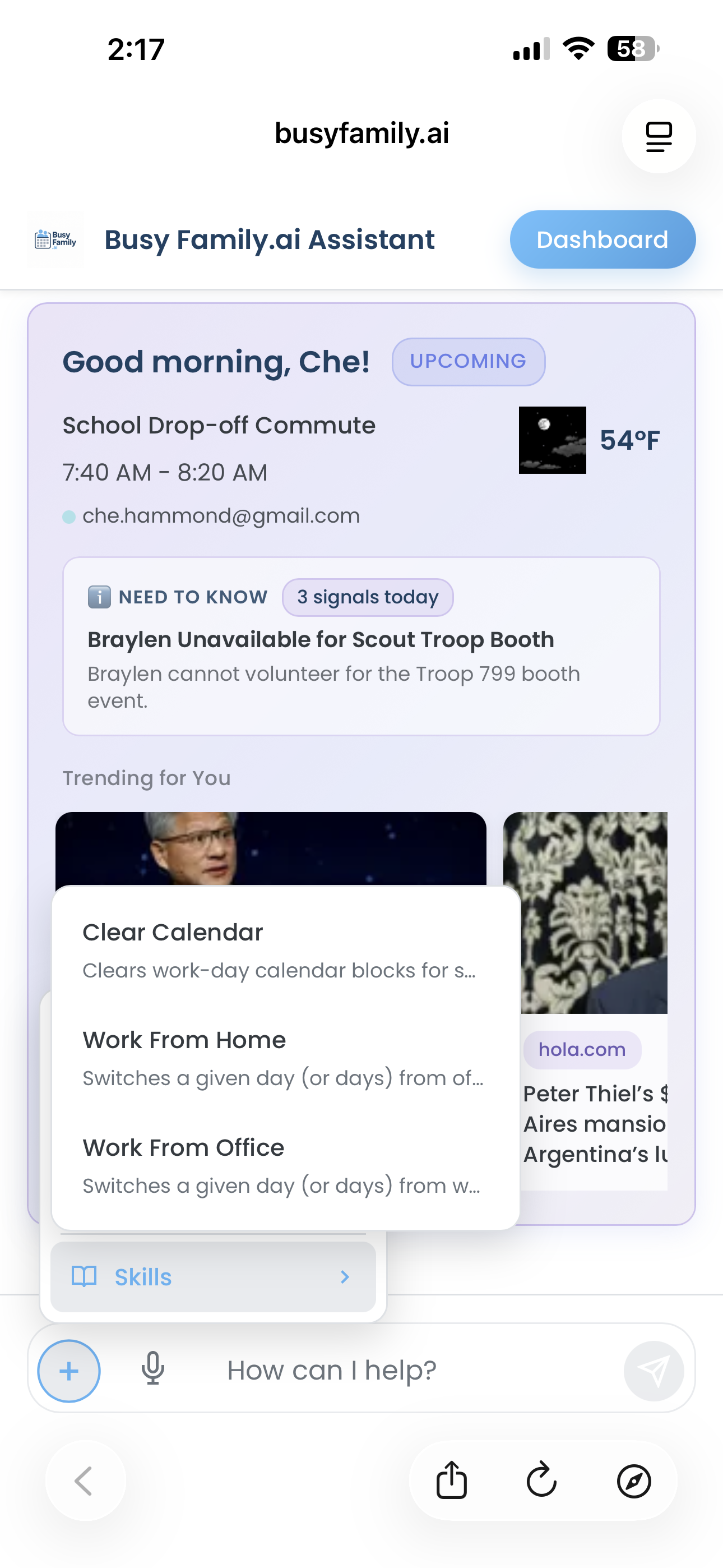
A Skill is a saved, reusable routine you teach your assistant once and can activate any time — by asking, or on a recurring schedule.
You create a Skill by describing what you want to accomplish. Your assistant asks a few clarifying questions, then saves it under a name you choose. From that point on, "run my [Skill name]" is all it takes.
There is also a shortcut: walk through something with your assistant once and then say "save what we just did as a Skill." That one walk-through becomes a permanent capability. You never have to re-explain it. You never have to do it manually again.
The best way to understand what Skills can do is to see them in action.
What a Skill Can Do
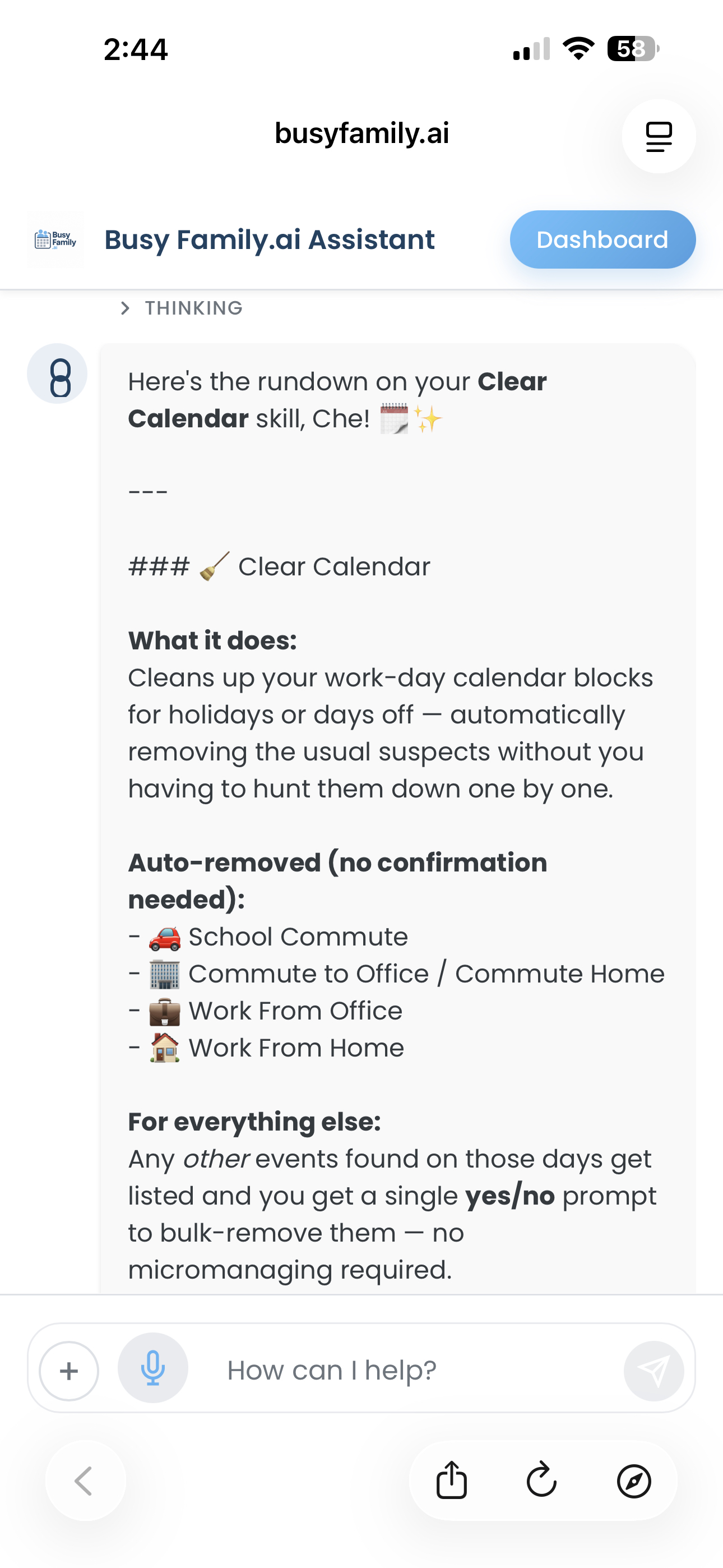
The sick day that shows up without warning. It is 7am and your child woke up with a fever. You have a 10am with the team, a 1pm you were going to drive to, a call at 3:30 that involves two other people. All of it needs to move or be cancelled — and you need to figure that out while taking care of a sick kid.
You tell your assistant: "Run my sick day shuffle for today."
Your assistant finds the day's commitments. It cancels or declines the ones that cannot happen, reschedules the ones that can wait, and reaches out — by text to the people in your contacts, by email to the ones it does not have a number for — with a warm message that something came up.
By the time you are on the couch with the thermometer and a box of crackers, your day has already reorganized itself around what actually happened this morning.
The dinner question that happens every week. Which nights have room for real cooking and which ones will still have a kid at practice at 6:30? What's been on heavy rotation and could use a rest? Every family has this conversation. Most families have it at 5pm on a Tuesday when it is too late to change anything.
You tell your assistant: "Set up my weekly dinner planner for Sunday evenings."
Every Sunday, your assistant reads the upcoming week and makes a meal plan that fits its actual shape — quick meals on the packed nights, something more involved when there is room. It pulls from recipes your family already likes, builds the grocery list to match, and sends you a message when the plan is ready to review.
You did not have to think about any of that. And if something needs adjusting — the hard work of starting was already done.
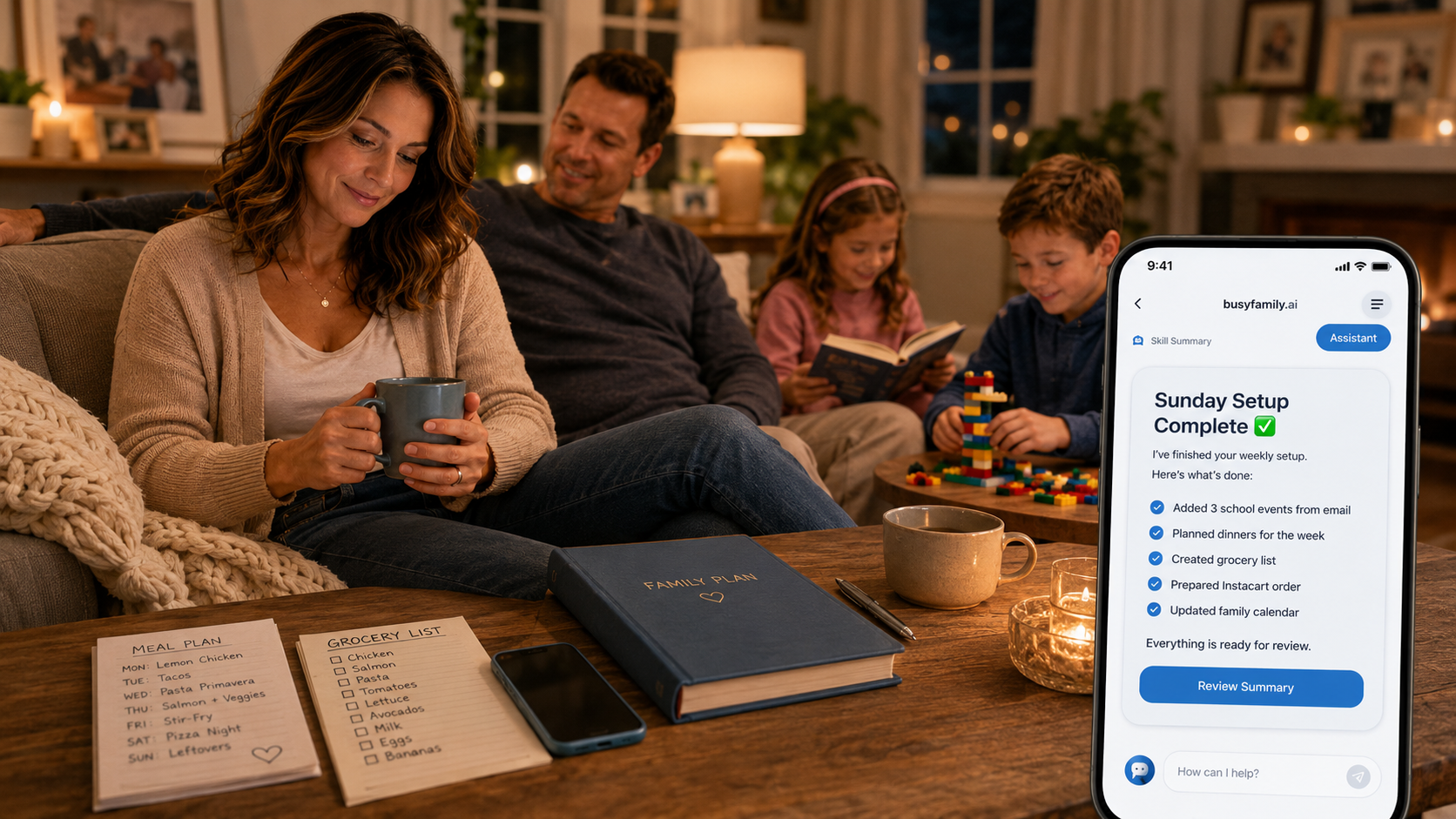
The Sunday that sets up everything. Some Skills are not about one thing. They are about putting the week in order before the week gets a chance to put you in order instead.
Every Sunday evening, your assistant runs "Sunday Setup." It does three things:
First, it scans the emails your assistant has been watching — school newsletters, team messages, activity updates — and pulls out any dates that should be on the family calendar. Picture day. Early dismissal. Permission slip deadlines. It creates those events so they are visible to everyone before Monday morning, not buried in an inbox only one person checks.
Second, it plans the week's dinners and builds the grocery list to match. When you are ready to shop, everything is organized and a tap sends it straight to Instacart.
Third — and this is important — before it does any of it, it asks for your confirmation. Because a Skill like this is touching things that matter, and you stay in the loop. A simple reply is all it takes.
When Sunday evening arrives, you do not have to run the command center. Your assistant already ran it. The calendar is updated. The groceries are queued. The week is as ready as it can be.
You Stay in Control Where It Counts
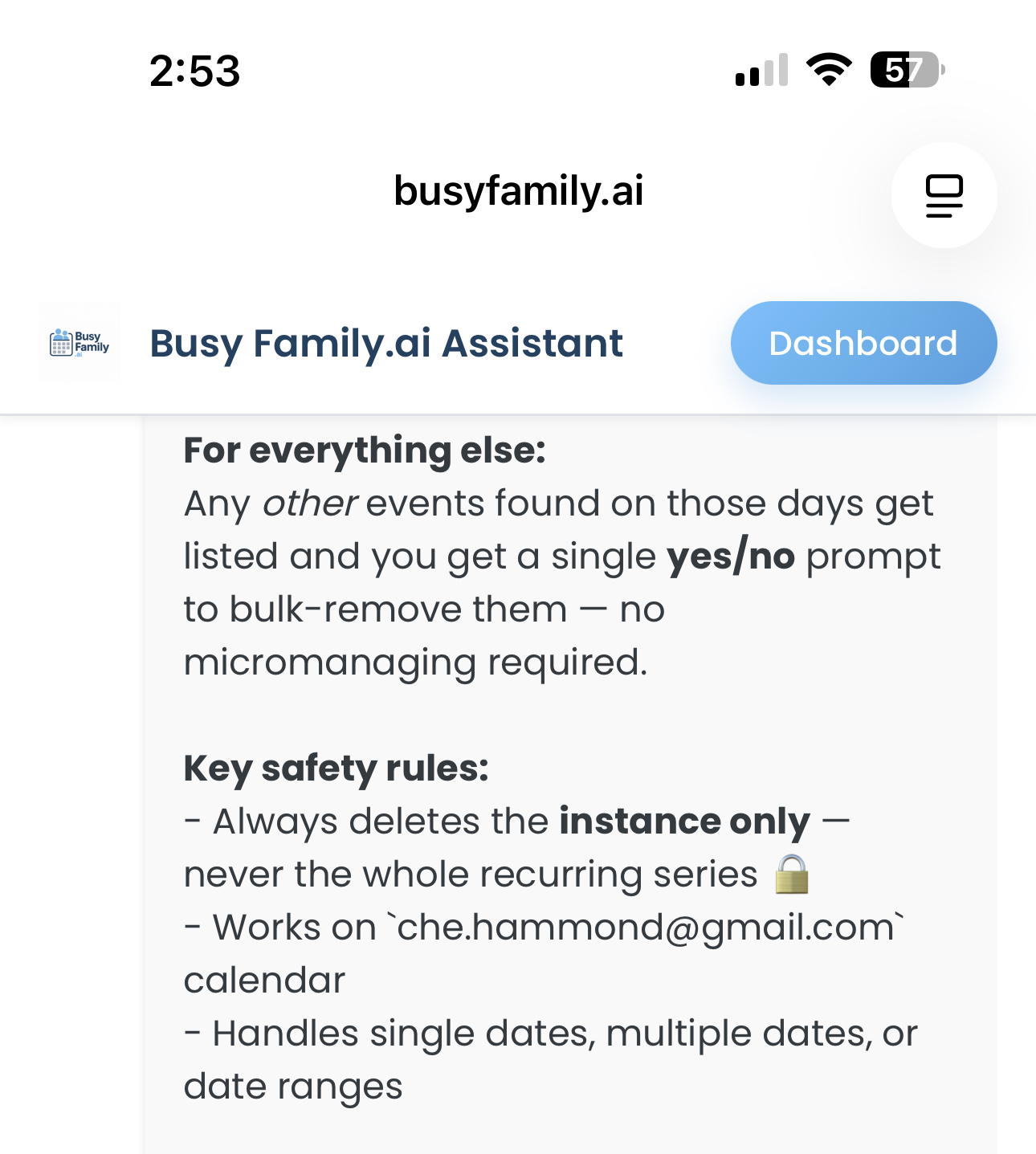
For Skills that make real changes, you can require confirmation before they run. Your assistant sends a message, you reply yes, and it proceeds. Nothing happens without that tap.
For Skills that produce something for you to review — a meal plan, a completed week setup — you can ask for a summary text when they finish. Not an alarm. Just a clean message: here is what your assistant did.
Automation and control are not opposites here. The more you trust that your assistant will check before doing anything consequential, the more of the work you can actually hand over.
Teach It Once
You do not have to write a script. The easiest way to build a Skill is to do the thing once, with your assistant, and then say: "Save that as a Skill."
Walk through reorganizing a sick day together — once. Your assistant learns the steps, and the next time a sick day arrives, you just ask. You are not designing workflows. You are showing your assistant what helpful looks like in your life — and letting it remember.
How to Get Started
Creating a Skill starts with a conversation. Tell your Busy Family assistant what you want it to do, and it will walk you through the rest.
A few ways to begin:
- "I want to create a skill that handles cancellations and notifications when someone is sick.
- "Every Sunday evening, plan the week's dinners, build the grocery list, and send me a message
- "Create a skill that does my weekly dinner planning and school email calendar updates every
Let's call it sick day shuffle."*
when it's done."*
Sunday night — but ask me before it does anything."*
We all carry more than we should. More recurring jobs than any one person should hold.
Every standing responsibility your assistant can take on is one less thing you have to hold.
Teach it one thing. See what it feels like to put it down.
Skills are available now. Open your Busy Family assistant and tell it what you want it to learn.