The Answer Does Not Have to Live With You
Household gives everyone in your home a shared place to ask, know, and help — without asking you first.
There is a particular kind of question that always seems to find the same person.
What time is practice? Are we free Saturday? What do we need from the store? Where is the insurance information? What is the plan for dinner?
They are reasonable questions. Most take less than a minute to answer.
But answering is not the whole job.
The job is knowing where to look. Remembering which calendar has the event. Knowing whether the grocery list is current. Finding the school handbook. Holding enough of the family's life in your head that, wherever you are and whatever you are doing, you can stop and produce the answer.
One question is small. Being the person everyone asks is not.
That is the problem Household was built to solve.
Introducing Household
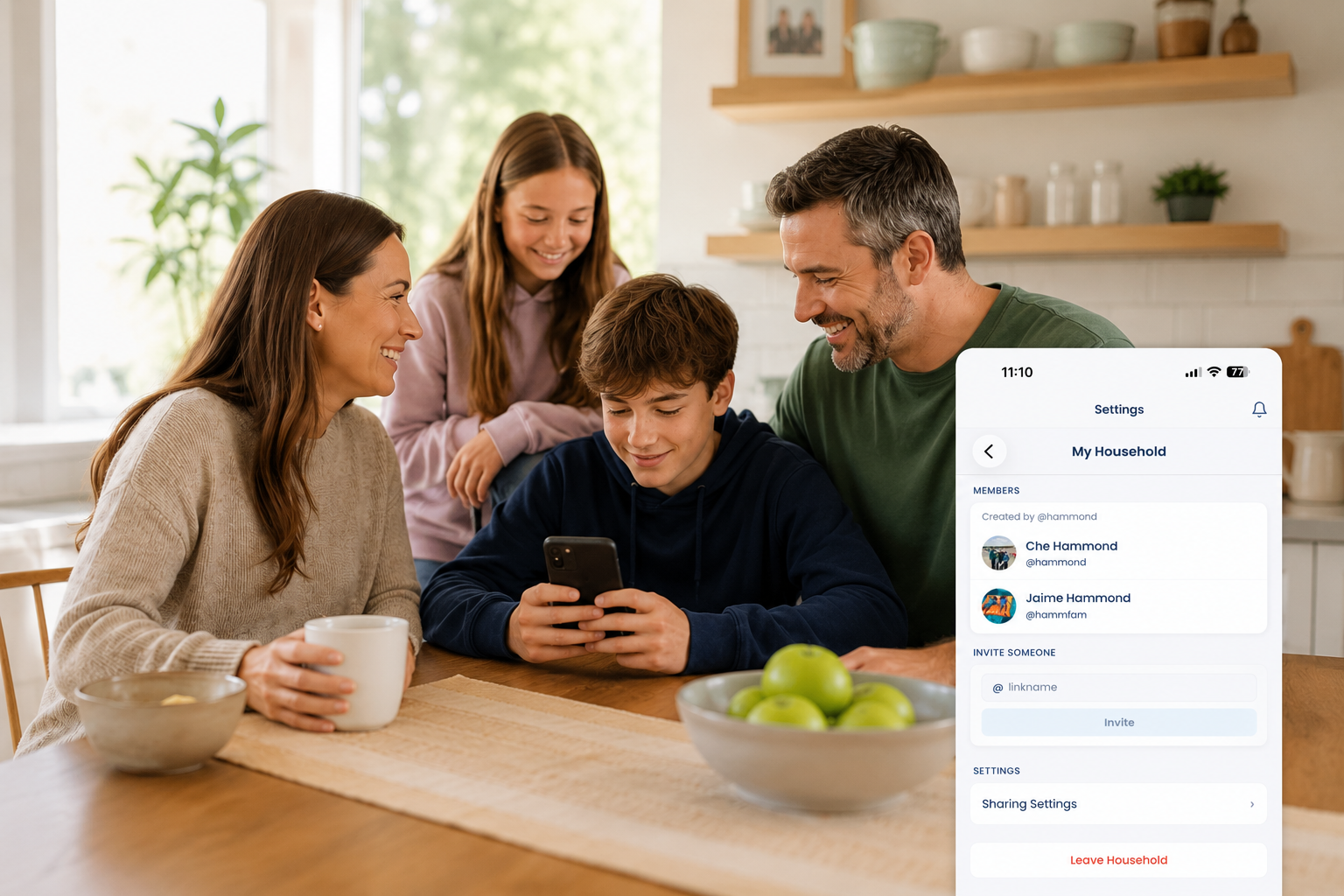
A Household is how people who live together share family life in Busy Family. You choose whether to share calendars, recipes and meal plans, a grocery list, and documents. The assistant understands who is in the Household and what everyone has chosen to share.
Now your partner can ask, "What do the kids have after school tomorrow?" Your teenager can ask, "What is the dinner plan this week?" Someone scheduling an appointment can ask what the insurance document says without first asking you to find it.
They do not need your password or your account.
They can ask Busy Family.
Everyone keeps their own account and ownership of their calendars, recipes, and documents. Anyone can create a Household from settings and invite others by their Busy Family @name. There is no owner or administrator; any member can adjust sharing.
Each person can belong to one Household at a time and can leave whenever they choose. Leaving ends access to shared information but does not change anything in their personal account.
Connections remain separate: they are for coordinating with friends and people outside your home. A Household is the shared home group.
Share What Helps. Keep Control of What Does Not.
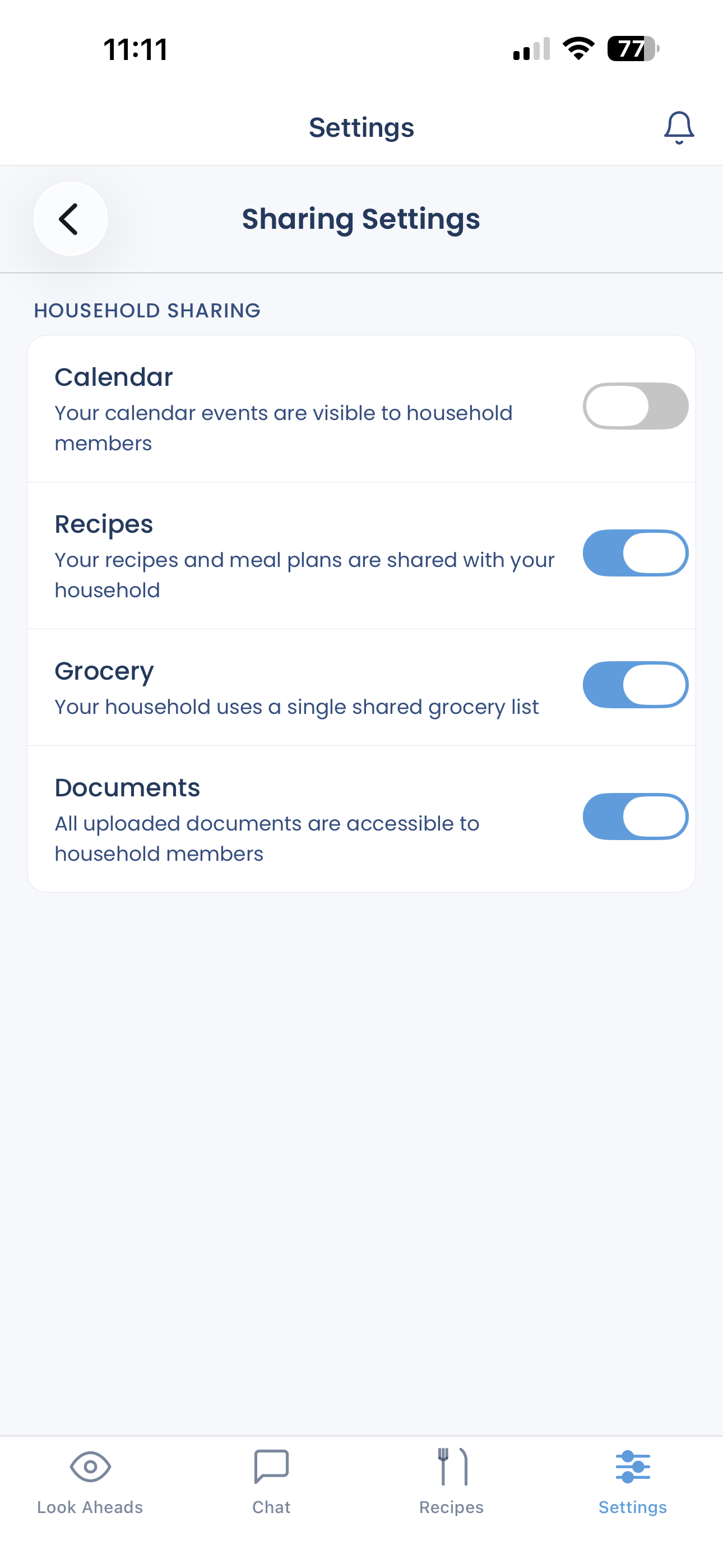
Creating a Household does not share anything automatically. Sharing begins off, one category at a time. When a category is first enabled, Busy Family confirms that existing items will become visible to the Household. Changes may take a few minutes to appear.
Calendars
The pickup question that arrives while you are doing something else. It is 4:12 PM. You are in the last meeting of the day when your phone lights up: What time does practice end, and where is it again?
You know it is on the team calendar. But knowing where the answer lives means the question still belongs to you. You stop listening, find the event, and send the details back.
With Household calendar sharing, the person handling pickup can ask Busy Family instead. They get what they need. You stay in the meeting.
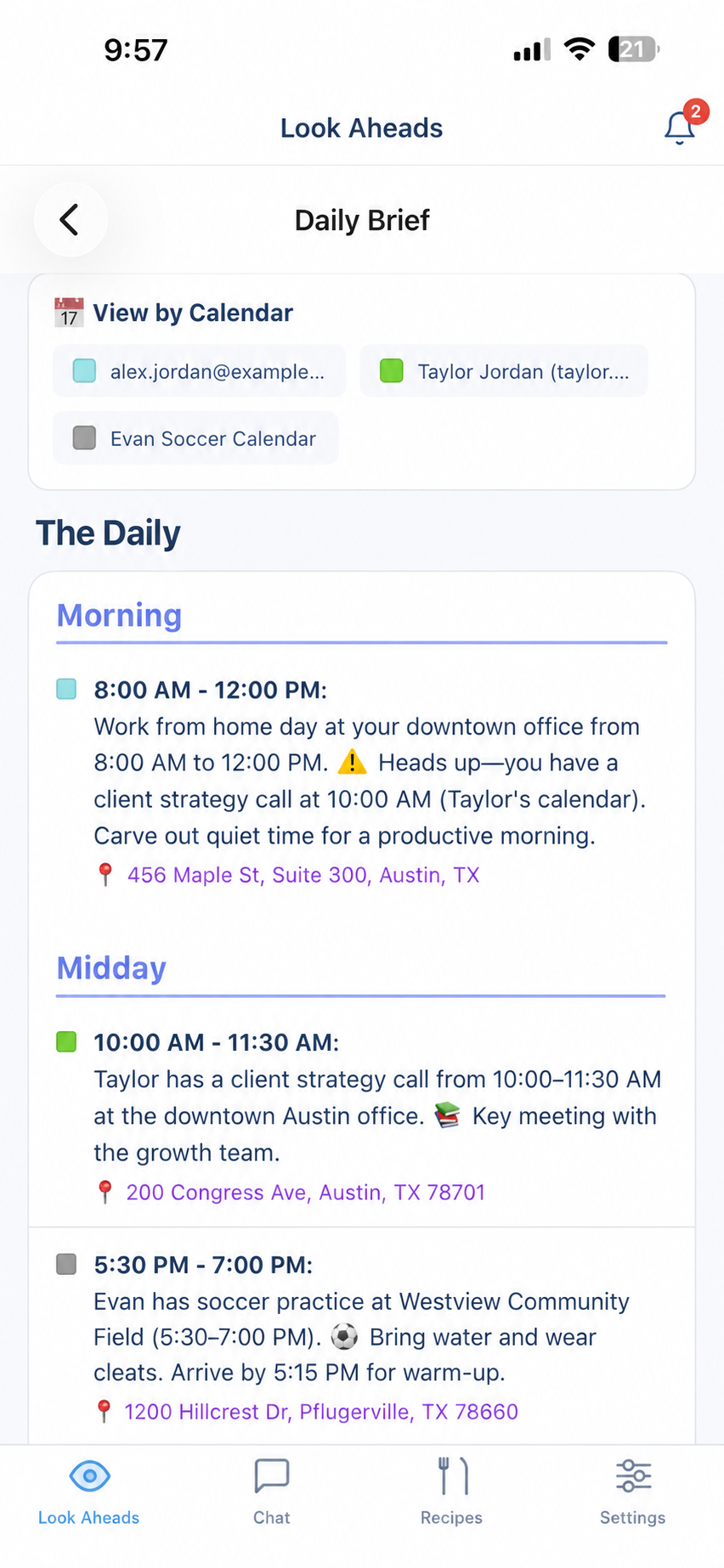
Household members can see one another's events when they ask Busy Family what is coming up. Busy Family makes it clear whose event is whose, so your partner's appointment is never mistaken for your own. It can include the Google calendars you already use, along with calendars you follow for things like school, sports, or community activities.
Sharing a calendar lets your Household see what is on it. It does not automatically let anyone change it. People can only make changes if they could already do so in Google.
You also decide which calendars your Household can see. You might share the family, school, and activity calendars while keeping your work calendar private. For a single event you would rather keep to yourself, Google can simply show that you are busy without sharing the details.
Busy Family can also keep an eye on the calendars you share and let you know about important changes or conflicts. Anything you choose not to share stays private.
Recipes and Weekly Meal Plans
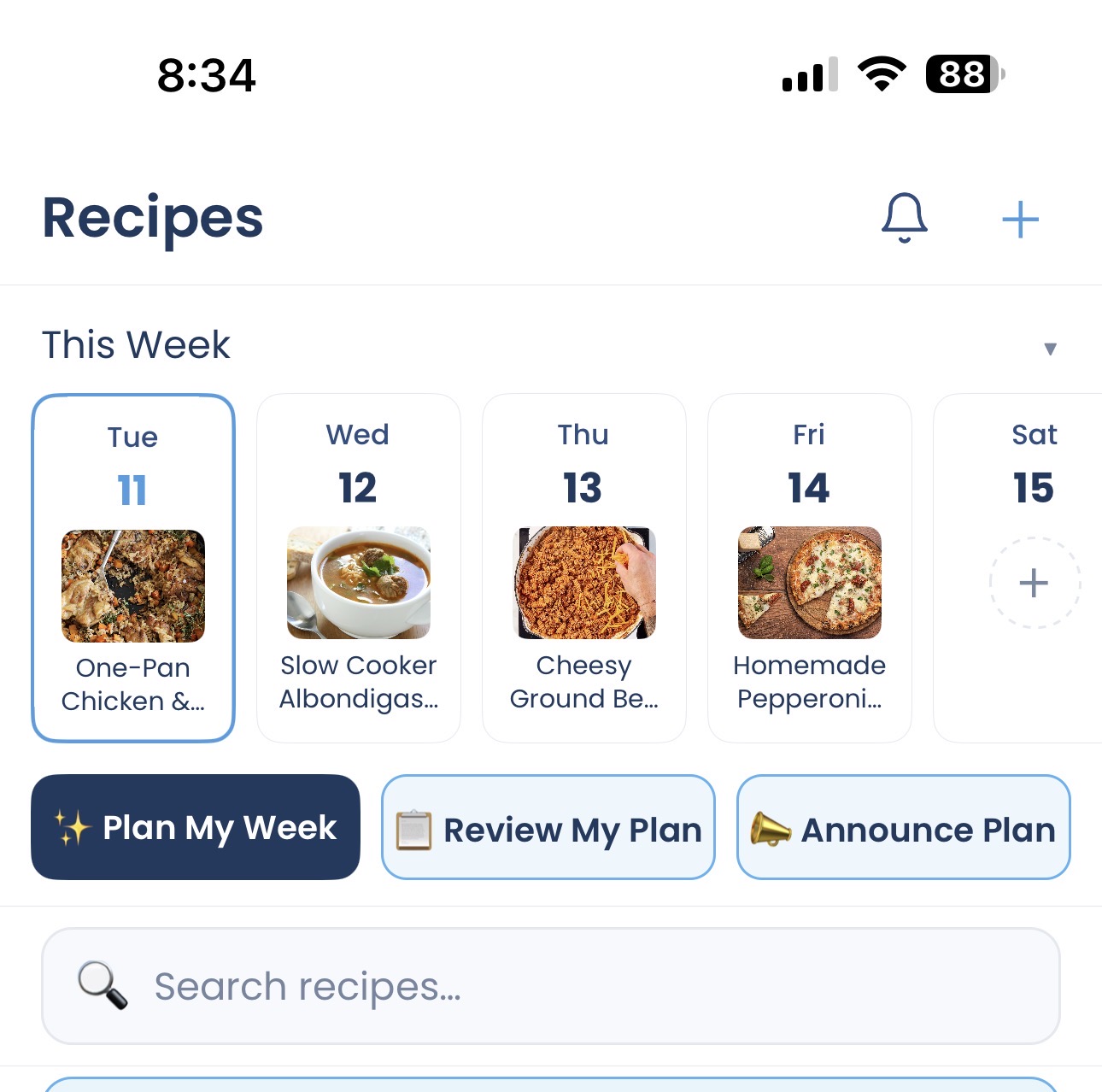
The dinner question that is not really one question. It is 5:14 PM on Tuesday. You are sitting outside an activity when someone at home asks: What are we doing for dinner?
To answer, you have to remember what you planned, whether the ingredients were bought, and which recipe you meant. If someone offers to start, first you have to send the recipe and explain the plan.
The cooking changed hands. The coordination did not.
With shared recipes and meal plans, someone at home can ask, "What is the dinner plan tonight?" They can see the meal, open the recipe, and begin. By the time you arrive home, dinner can already be underway — not because you managed it remotely, but because someone else had what they needed.
When recipe sharing is on, everyone can see one another's recipes and meal plans, labeled with who they came from.
Once the weekly plan is ready, you can announce it to the Household from chat or the recipes screen. One person may be at work, another at practice, and someone else halfway across town. Busy Family distributes the plan wherever family life has taken them.
You made the plan once. You do not also have to explain it to each person later.
One Shared Grocery List
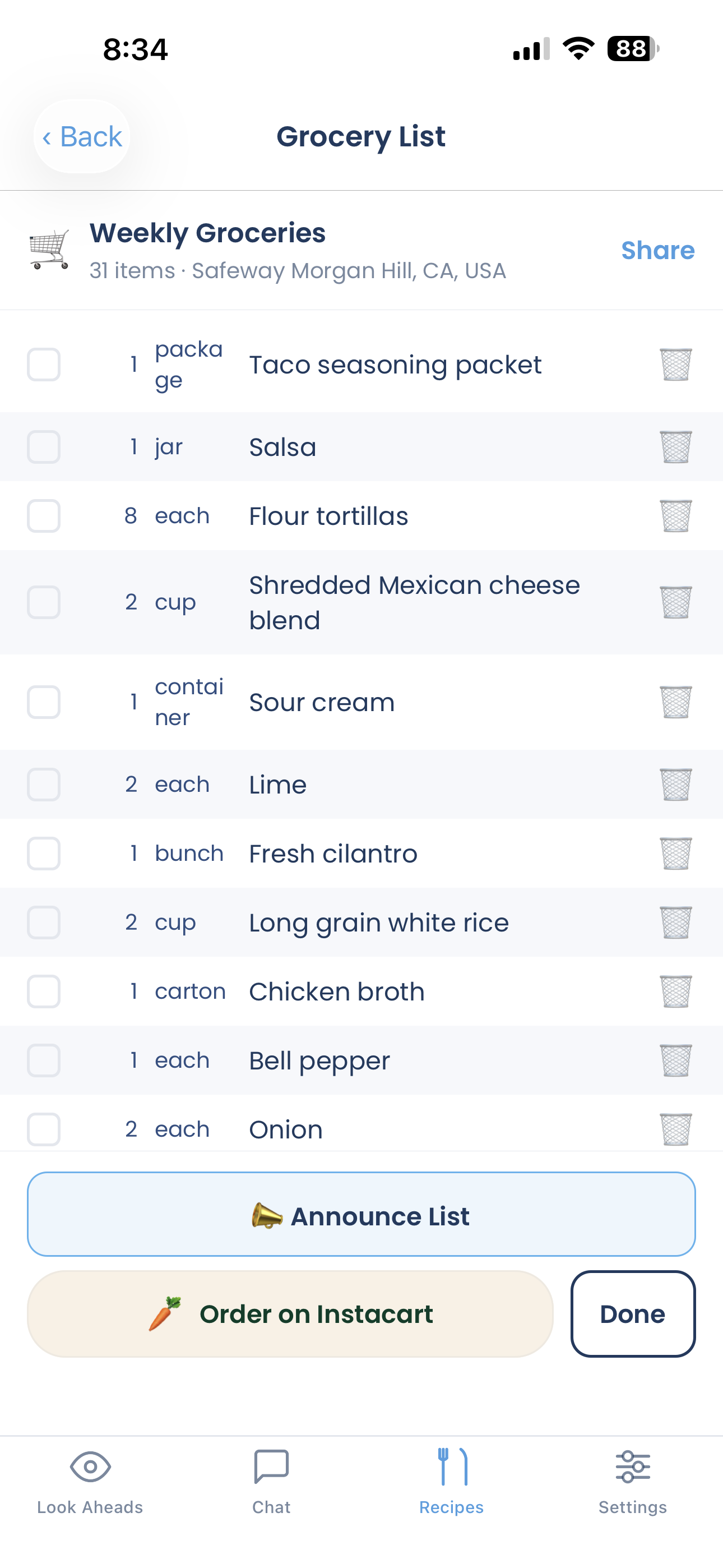
The offer to stop at the store that somehow creates another job. Someone texts on the way home: I can stop for groceries. What do we need?
It is generous. It is also a request to walk through the kitchen in your head: milk, lunchbox snacks, cereal, eggs. You build the list and keep your phone nearby for questions from the aisle.
The shopping was delegated. The inventory stayed with you.
When grocery sharing is on, the Household uses one shared list. Anyone can add an item, remove one, or check something off while shopping.
Now noticing that the milk is low can become adding milk to the list — not telling you so you can remember it later. The person near the store can see what everyone needs without asking you to reconstruct it.
When the list is ready, you can announce it to the Household. Whether someone is upstairs, at soccer, or already on the road, they get the heads-up.
The work of noticing, adding, shopping, and checking things off can finally be shared. You are no longer the collection point in the middle.
Documents
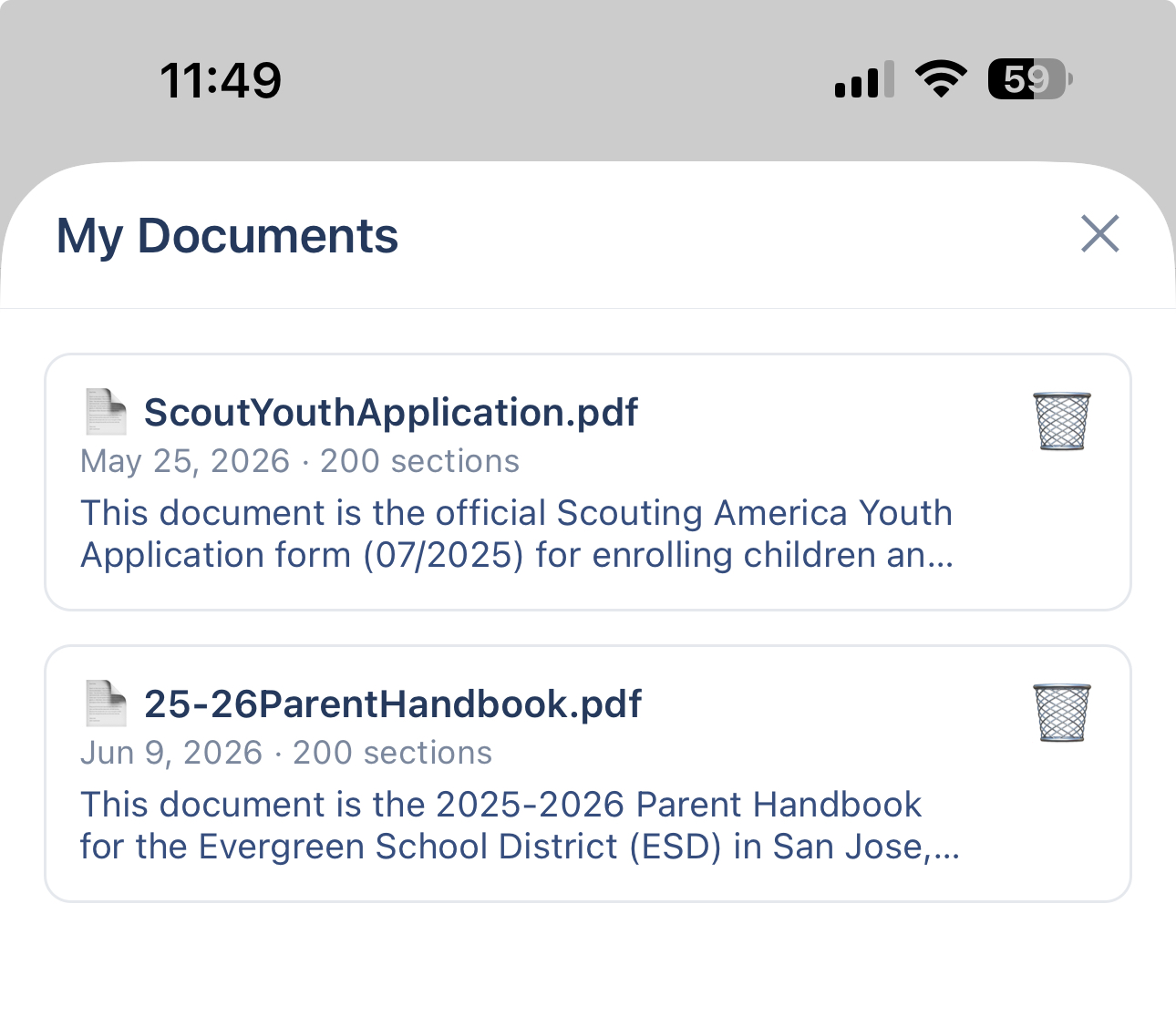
The form someone else is filling out with information only you can find. Your partner is registering a child for camp. They are doing the form. Then they reach the insurance section.
Which plan are we on? Where did you save the policy?
You stop, find the PDF, scan for the answer, and send it back. Someone else completed the form, but the task still had to pass through you.
When document sharing is on, the assistant can find and use documents uploaded by anyone in the Household, while identifying who uploaded each one.
Now the person completing the form can ask about the shared insurance document. Someone handling pickup can ask what the school handbook says about arriving late. The person taking responsibility finally has the knowledge required to finish.
The document exists. The assistant can read it. The Household can ask.
Notes for the Things a Shared List Cannot Say
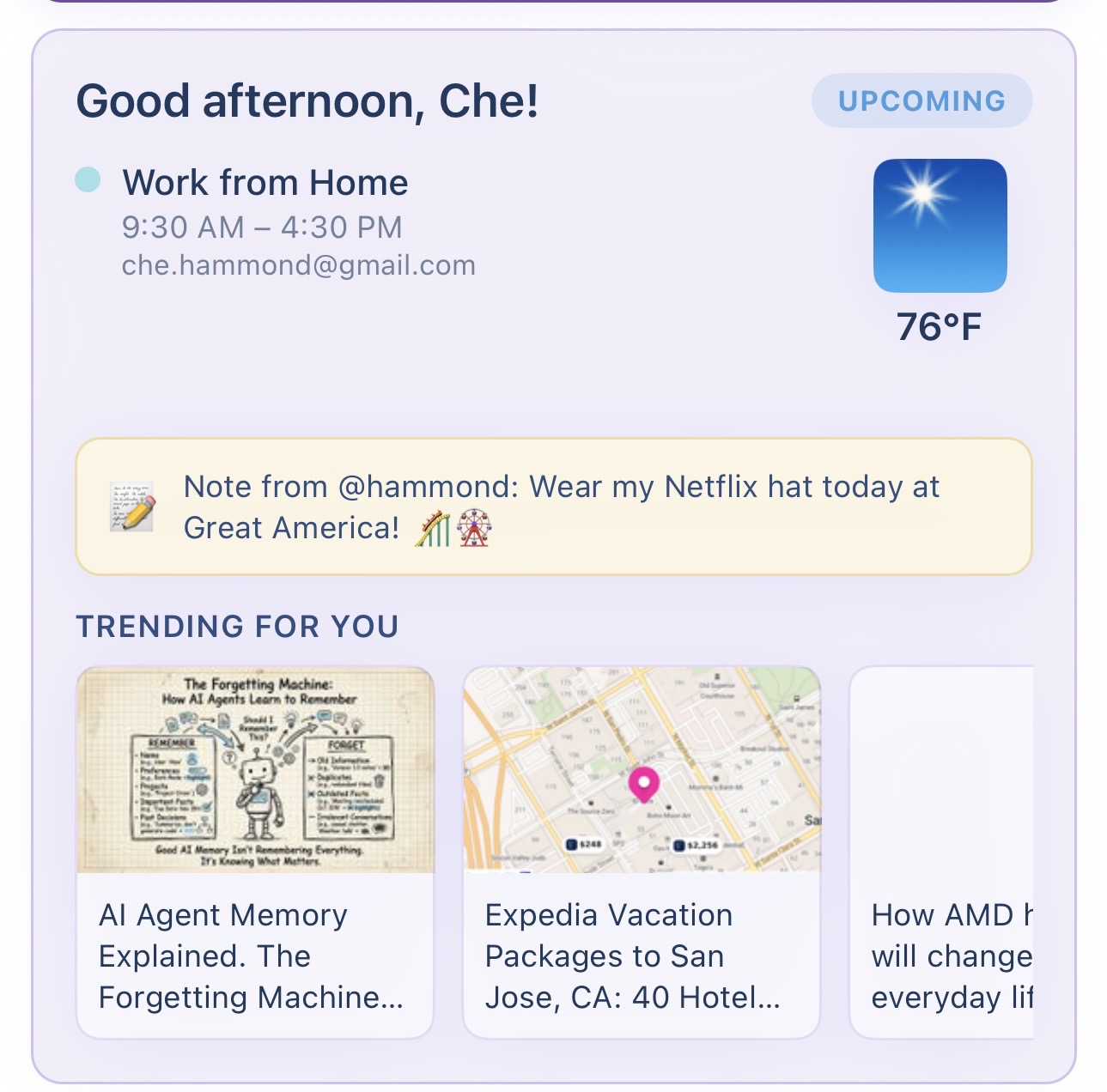
The small thing you cannot afford to be the only one remembering. You are leaving the dentist when you remember the dog needs her medicine after dinner. You will not be home in time.
You could remind yourself to remind someone later, leaving the medicine on your mental list all afternoon. Instead, you leave that person an urgent Note: "Please give the dog her medicine after dinner. It is already measured in the refrigerator."
Busy Family notifies them, and the Note has a place where it can be found again. The message is no longer waiting in your head for the right moment to deliver it.
Household members can leave Notes through chat and review them in the Notes list. A Note can be:
- Just for you, when it is something only you need to remember.
- For the whole Household, when everyone should see it.
- For one person, when the message has a specific recipient.
A Note can be saved quietly or marked urgent to notify the people who need it. Notes hold reminders and messages like The repair person is coming through the side door.
Meal plans and grocery lists use their own announcements, so those updates stay attached to the plan or list where people expect to find them.
Shared Context Shows Up Where the Family Already Looks
Household is not a folder everyone has to remember to check.
Shared events and unread Notes can appear in Daily Briefs, Weekly Look Aheads, and Weekend plans. The assistant can use everything the Household has chosen to share, and Household members can be mentioned in chat.
Invitations, urgent Notes, meal-plan announcements, and grocery-list announcements can reach people by push notification or text.
Useful context meets each person where they already are — without creating another family system you have to remind everyone to check.
From Helping You Manage Everyone to Helping Everyone Participate
There is a difference between delegating a task and transferring the context required to do it.
You can ask someone else to handle dinner, but if they still need the meal plan and recipe from you, the mental work never left. You can ask someone else to schedule the appointment, but if they still need you to find the insurance details, you are still the bridge.
Household gives people the context that makes participation possible.
Not just Can you do this for me?
But You have what you need to handle it.
Family coordination becomes genuinely shared not by moving tasks around while one person carries all the knowledge, but by making that knowledge available to the people who can act on it.
How to Get Started
Open Busy Family settings and create a Household. Invite the people you live with using their Busy Family @name, then choose the categories that make sense to share.
The next time someone asks what time practice starts, where the insurance information is, what the family needs from the store, or what is happening this weekend, you do not have to stop and retrieve the answer.
You can say:
Ask Busy Family.
Not because you do not want to help.
Because helping your family should not require being the only person who knows.
Household is available now. Open Busy Family settings, create your Household, and choose what you are ready to share.