That's News to Me!
Know what to plan by knowing what's going on.
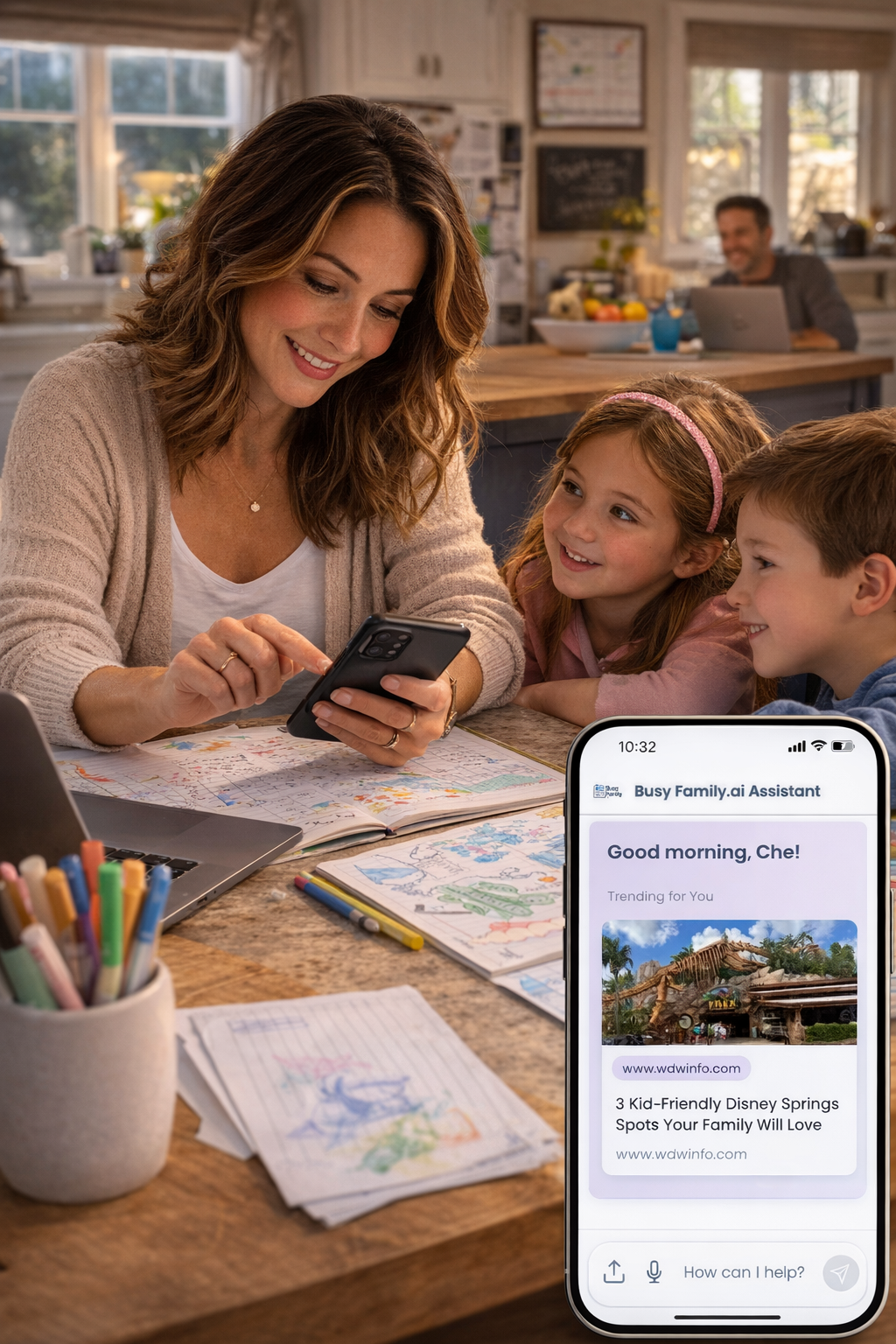
You're already the family's unofficial director of operations. You track the school calendar, remember who has practice on which night, coordinate the weekend, and somehow manage to remember that one aunt's dietary restrictions. You are, in short, the person who needs to know things—before everyone else does.
But here's the honest truth: you can't plan what you don't know is happening.
A new family-friendly restaurant opened two blocks away. A free outdoor concert is coming up this Saturday. The movie your kids have been talking about for six months finally hits theaters this Friday. These are exactly the kinds of things that shape a great weekend, a memorable family outing, or even just a better Tuesday night. And they're easy to miss when life is moving at full speed.
That's why we built personalized news into Busy Family—so the things you care about find you, before you even think to go looking.
Your Morning Heads-Up
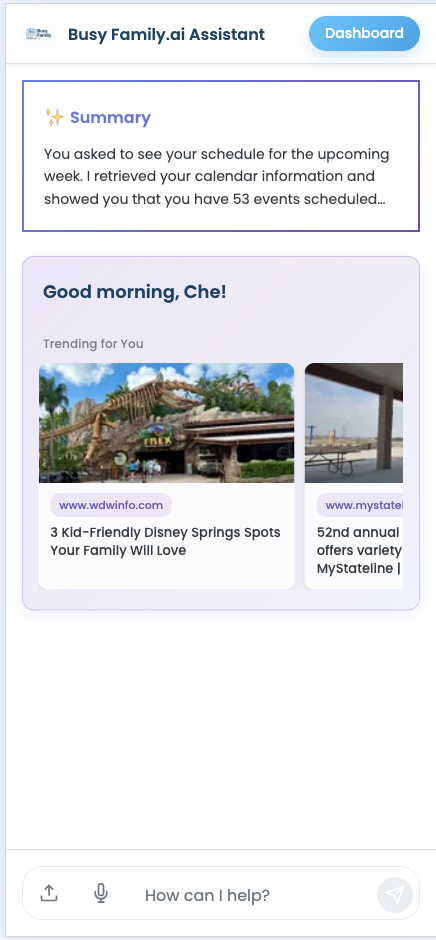
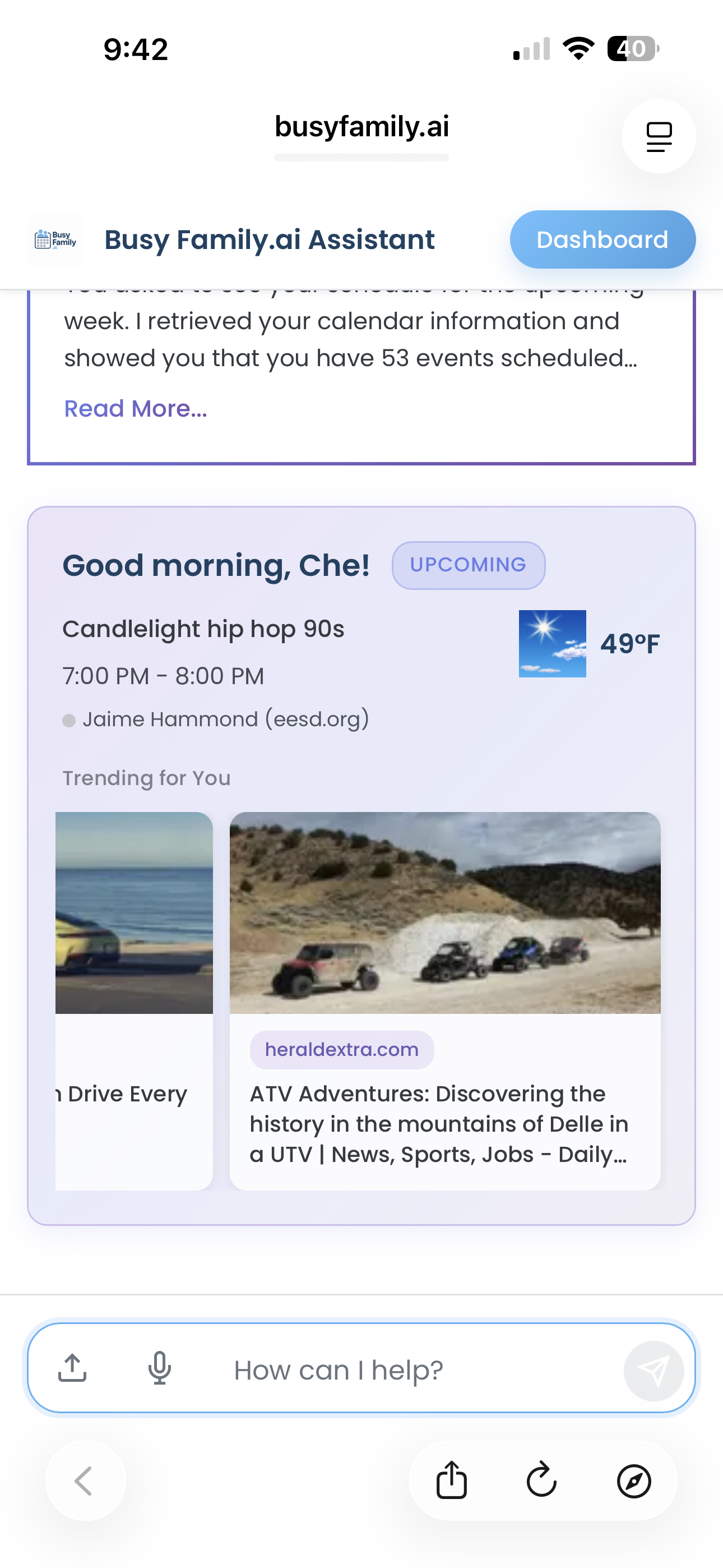
When you open Busy Family at the start of your day, you'll notice a small, curated strip of news stories sitting at the top of your chat—right alongside the weather and a look at today's schedule. These aren't random headlines. They're pulled from the topics and sources you care about.
Imagine glancing at your phone over your first cup of coffee and seeing:
- A story about a new children's museum opening downtown next month
- An announcement that the local farmers market is kicking off its spring season this weekend
- A preview of the family films coming out this month
No doom-scrolling. No wading through headlines that have nothing to do with your life. Just a quiet, friendly heads-up on the things that might help you say yes to something wonderful this week.
It Shows Up in Your Daily Brief, Too
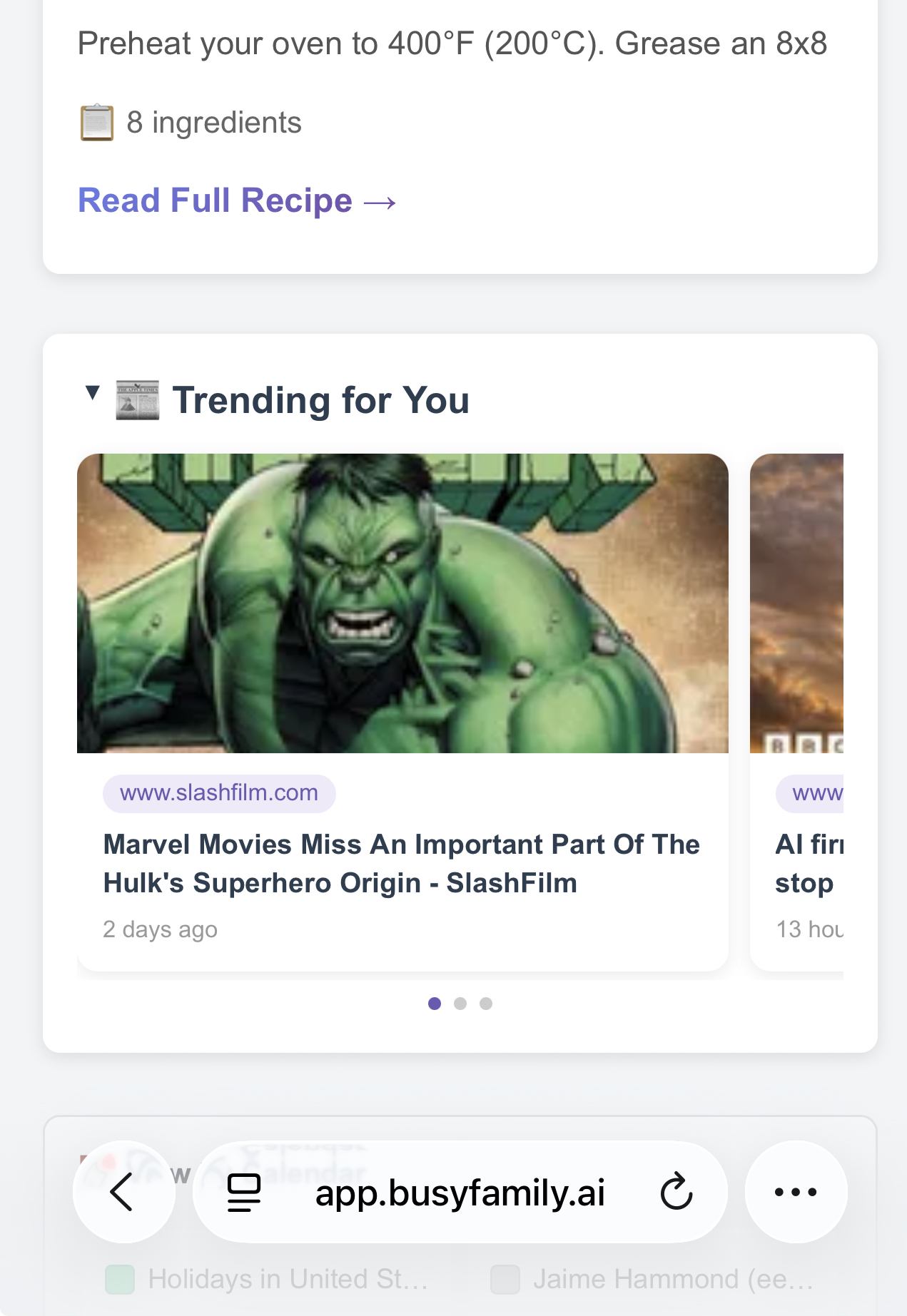
The news strip in your chat is great for the moments you open the app—but what about the mornings when you're moving too fast to check in? That's where the Daily Brief comes in.
Every morning, Busy Family sends your household a Daily Brief: a clean, at-a-glance summary of what the day holds. The schedule, any reminders, the weather—and now, a curated selection of news stories based on your interests. It's all right there, waiting for you before the day gets loud.
Picture opening your email on a Tuesday morning and finding:
- A heads-up that a local kids' theater is hosting auditions next weekend
- A note that your neighborhood's fall festival announced its dates
- A short preview of the family-friendly releases hitting streaming this week
You didn't have to search for any of it. You didn't have to remember to check. It just arrived—tucked right alongside the rest of your day.
The stories in your Daily Brief are drawn from the same topics and sources you've set up, so they feel personal rather than generic. And because the brief comes to you on a schedule, the news isn't something you have to go find—it's simply part of how your day starts.
Interests That Actually Fit Your Life
The news you see is shaped by two simple things: topics and sources.
A topic is a subject you care about—something you'd naturally want to stay in the loop on. Things like:
- Local family events and community activities
- New restaurants or venues opening nearby
- Kids and family movies
- Seasonal festivals and outdoor events
- School and neighborhood news
A source is a specific place you already trust for news—your local paper's website, a parenting blog you love, a community events page. When you tell Busy Family about a source, it looks there first.
You can set these up just by asking. Try something like: "Add 'family-friendly events near me' as a news topic" or "I like to follow [your local paper]—can you add that as a news source?" Your assistant takes it from there.
"What Do You Know About Me?"
Here's one of our favorite features—and one that says a lot about how we think you should be able to use Busy Family.
At any time, you can ask: "What do you know about me?"
Your assistant will show you a card that lays out exactly what it knows—your preferences, things you've mentioned, and yes, your full list of news topics and sources. Everything is right there, in plain language.
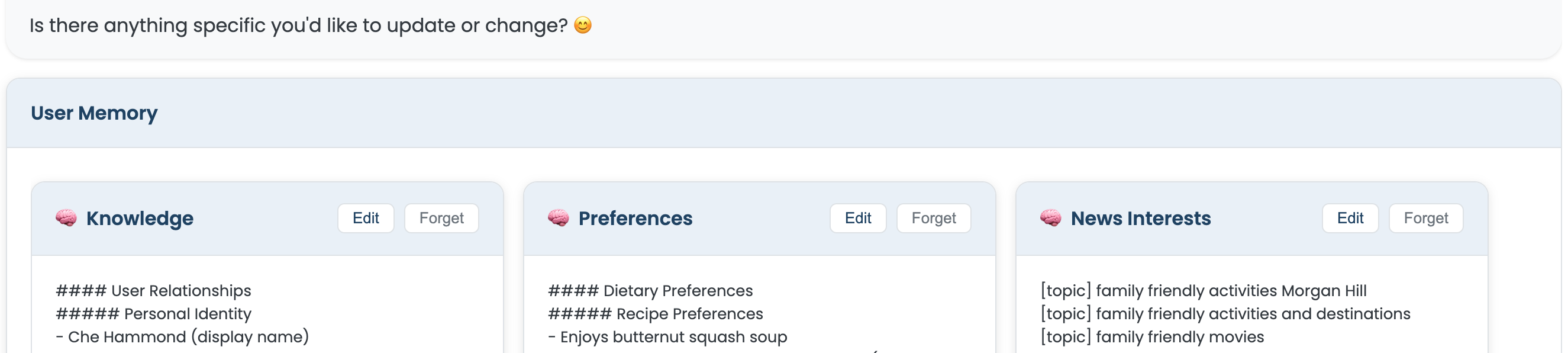
And here's the part that matters: you can edit it directly. See a topic that's no longer relevant? Remove it. Want to add a source you just discovered? Add it. Nothing is hidden, nothing is locked away. You are always in control of what your assistant knows and what it pays attention to on your behalf.
This isn't a black box. It's a partnership—and a transparent one.
Try asking "Add 'free things to do this weekend' as a news topic" and check your banner on Friday morning. It might just hand you the weekend plan you didn't know you were looking for.
Staying Informed Is How You Stay Ready
There's a difference between being buried in news and being informed. One leaves you exhausted. The other leaves you ready.
When you know a cool new venue is opening, you can be the first to suggest a family outing. When you hear about a community event on Saturday, you have something to look forward to and something to share. When you catch the news about a kid-friendly movie before your kids do, you get to be the one who surprises them.
Busy Family's news feature is built around that idea: the right information, from the right places, at the right moment—so that planning your family's life feels less like catching up and more like staying ahead.
Want to see what Busy Family knows about you—and shape what shows up in your news? It's as easy as opening the app and asking: "What do you know about me?"