Stop Being the Filing Cabinet.
Your family has important documents. Now your assistant can read them.
There is a kind of knowing that is different from remembering a task.
It is not do the thing. It is know the thing — and be ready to produce it whenever someone asks. Which insurance plan you are on. What the deductible is. Whether that specialist is covered. What the school handbook says about late pickups. What your child's ferritin level was from the last blood draw, because the doctor's office is going to ask at the follow-up appointment.
None of that is something you do. It is something you hold — indefinitely, in the back of your mind, alongside everything else. And the holding is exhausting in a way that is hard to name, because it never ends. Tasks finish. Carrying information does not.
That is the problem document upload was built to solve.
The Documents Exist. That Is Not the Problem.
Every family has important paperwork. The lab results came by email. The insurance policy is a PDF you downloaded when you switched plans. The school handbook arrived in August. The lease is somewhere in a folder. The vaccination records are on your phone as a photo, or maybe a PDF — you are not entirely sure.
The documents exist. The problem is the gap between existing and accessible.
When your assistant does not know what is in those files, you become the bridge — every time. Someone asks a question, and you have to find the document, read through it, pull out the answer, and translate it into plain language. Or you have to know the answer already because you read it once, months ago, and you have been holding it since.
That is not a filing problem. It is a carrying problem. And the weight of it is invisible precisely because it does not look like work.
Introducing Document Upload
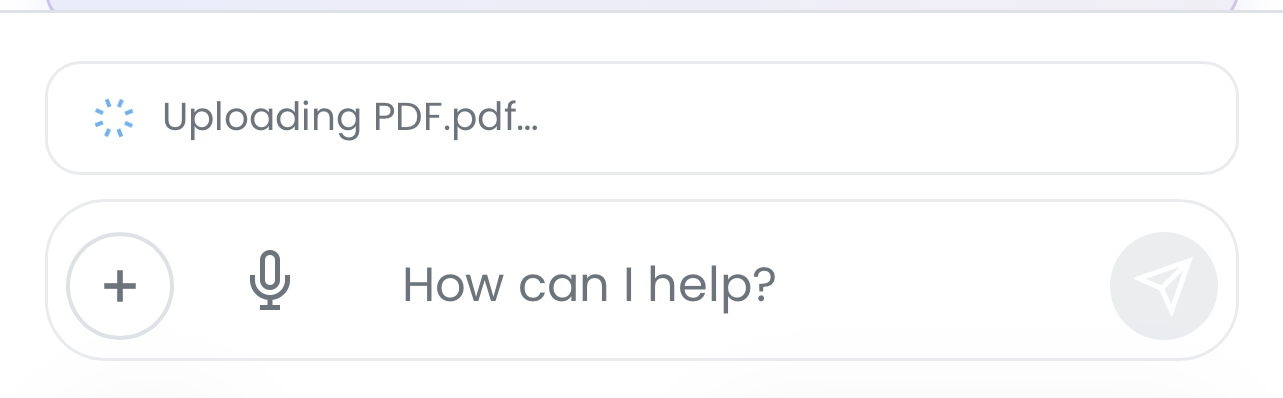
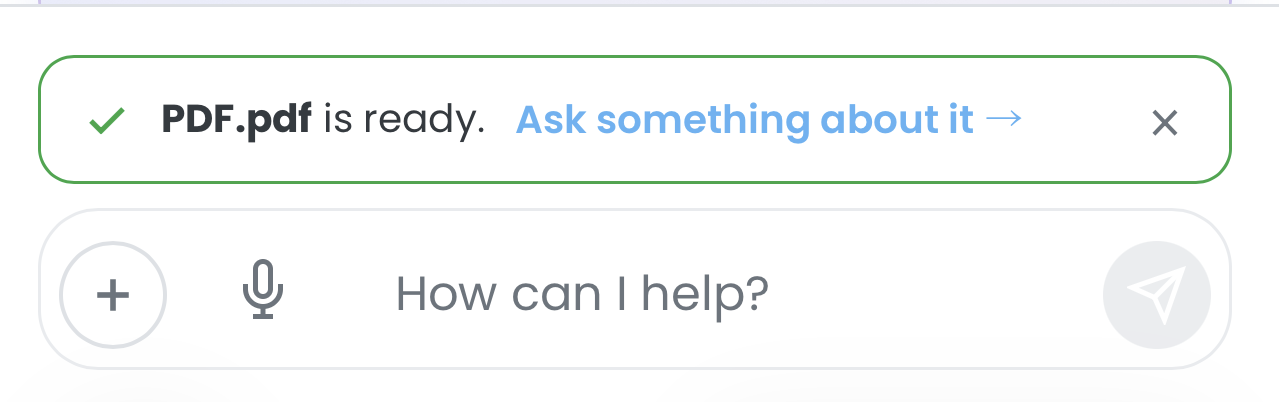
Now you upload the document once. Your assistant reads it, understands it, and indexes it into your family's knowledge base.
From that point on, you do not look it up. You just ask.
Your assistant handles the searching, the reading, the retrieving. You get the answer. The cognitive work still happened — it just did not happen inside your head.
What That Looks Like in Practice
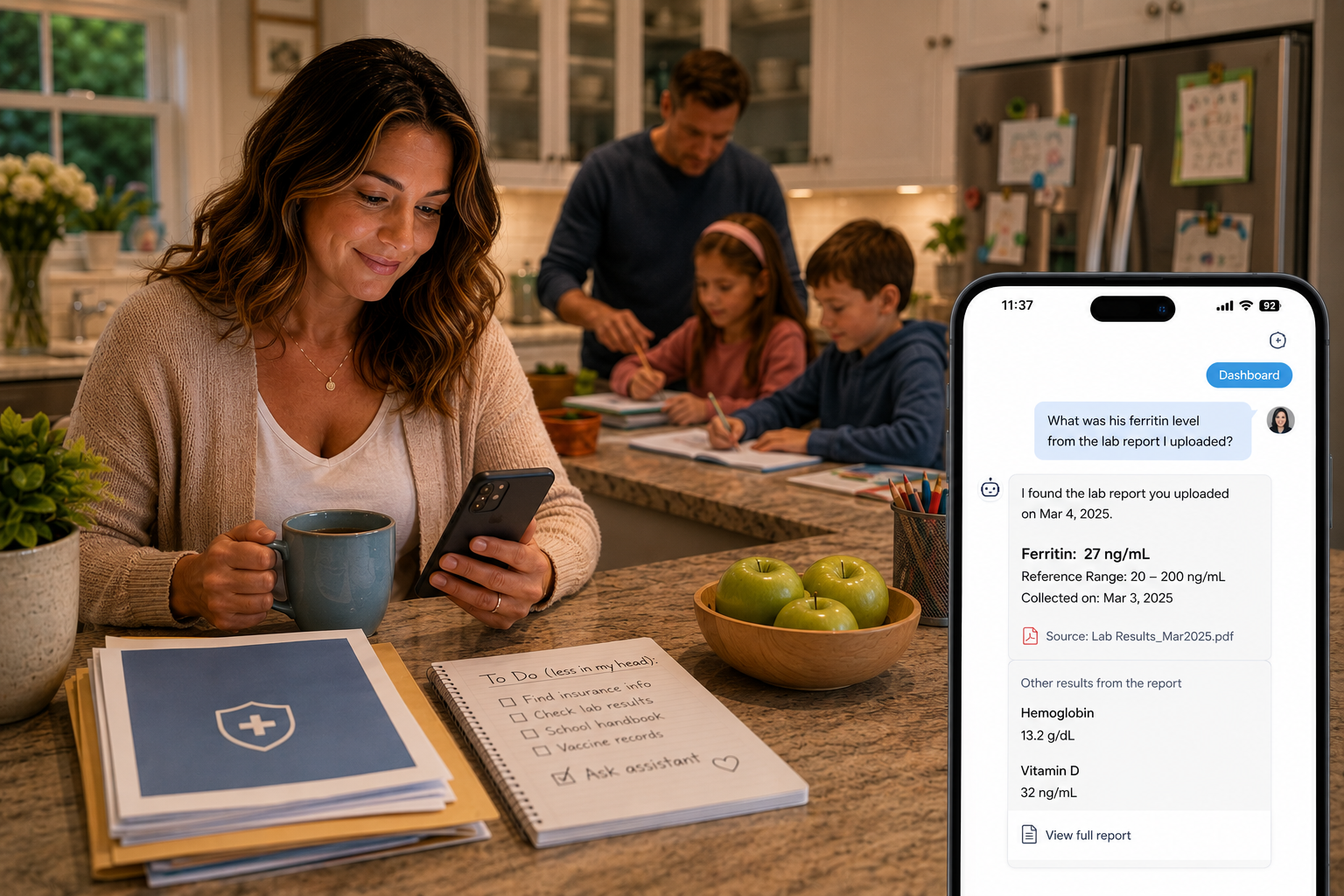
The lab results you need to reference again. Your child's pediatrician sent over bloodwork after the last visit. You got the PDF, looked it over, felt relieved or worried, and saved it somewhere. Three months later, the follow-up appointment is coming, and the office asks whether certain levels have changed since the last draw.
You tell your assistant: "What was his ferritin level from the lab report I uploaded?"
Your assistant has the number. You did not dig through email. You did not reopen the PDF and scan through rows of reference ranges trying to remember which column is the result. You asked, and the answer was there.
The insurance question you would normally spend forty minutes on hold to answer. A specialist your daughter needs to see may not be in-network. Before you make the appointment — or decline it — you need to know what out-of-network coverage actually looks like on your plan.
You tell your assistant: "Does our insurance plan cover out-of-network specialists? What do we owe if we use one?"
Your assistant already read the policy document you uploaded. It finds the relevant section and gives you the answer — or enough of it to know what to ask when you do pick up the phone. You made a decision in two minutes instead of two hours.
The school handbook nobody actually read. Every August, a document arrives. It is long. It covers everything from the dress code to the discipline policy to the procedure for early pickup. You meant to read it. You saved it. The year went on.
Then the question comes up: How many unexcused absences trigger an automatic notice? What is the policy on picking up a sibling from a different grade?
You ask. The handbook is in there. Your assistant knows what it says.
The documents that are different for every family. A lease agreement. A pediatric vaccination record. A physical therapy summary your spouse needs for a specialist referral. An HOA policy that keeps coming up in arguments about fence height.
The specific documents will be different for every household. But the pattern is the same: something important that used to live half in a drawer and half in one person's memory now lives in a place your assistant can actually use.
Note: Document upload currently supports PDF files. Support for additional file types — including Word documents and plain text files — is on the way.
You Stay in Control
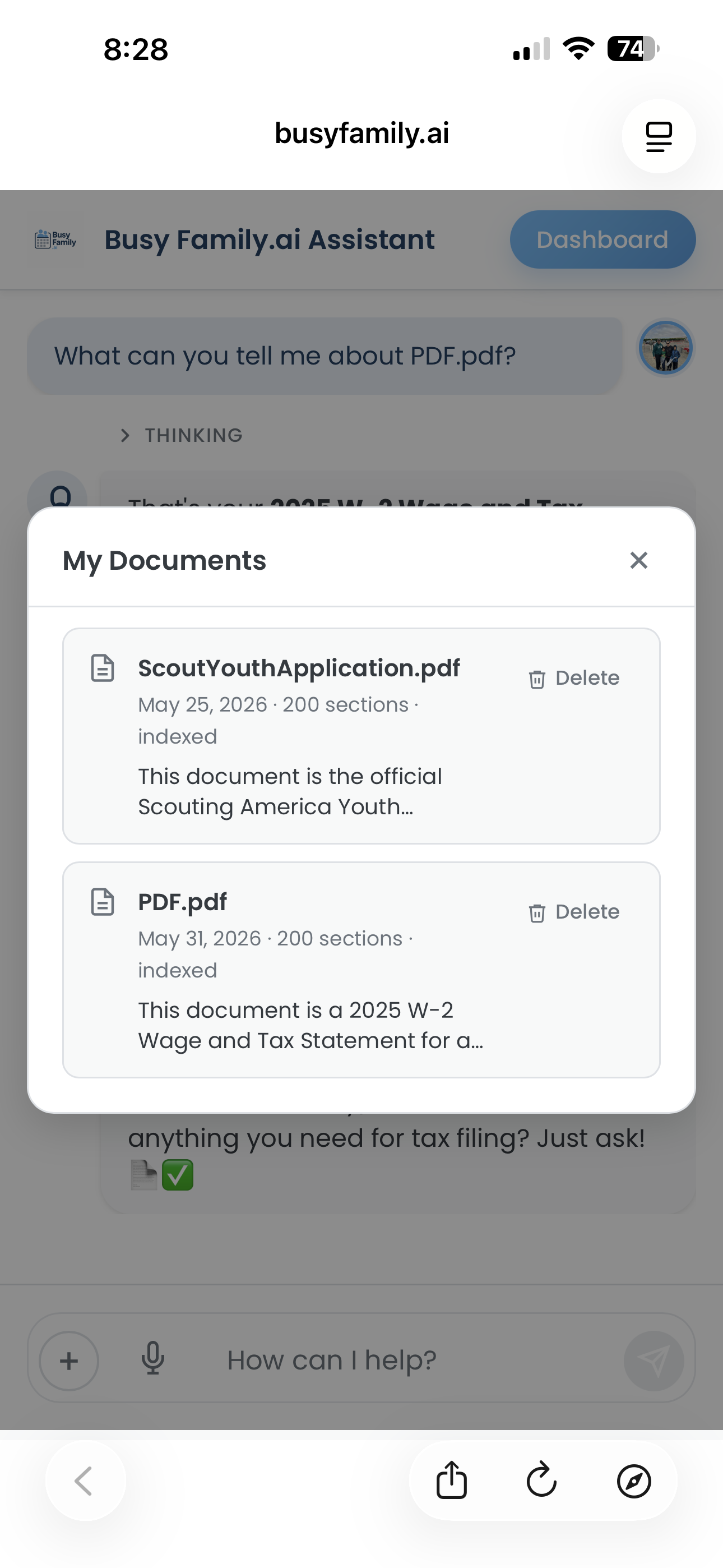
Your uploaded documents belong to your family. You can see everything that has been uploaded, read the summaries your assistant generated, and delete anything at any time. Nothing is locked away or managed somewhere you cannot reach.
Your assistant always cites the document it drew from, so you know exactly where the information came from. The goal is not to replace your judgment. It is to give you the right information, fast, so that your judgment has something to work with.
The Third Thing You No Longer Have to Hold
Smart Reminders were built on the idea that the burden of a task does not land at reminder-time. It lands the moment you start carrying it — and it stays until the thing is handled. Smart Reminders take that weight off by making sure you are ready when the moment arrives.
Skills took that further: not just ready, but done. A Skill does not hand the work back to you. It completes it.
Document upload is a different kind of release. It is not about a task or a moment. It is about the steady, background weight of being the person who knows where everything is and what it says.
Smart Reminders hold the moment for you. Skills hold the work. Document upload holds the knowledge.
Every family has one person who carries all three. This is a small way of lightening what they hold.
How to Get Started
Open your Busy Family assistant and upload a document through the chat menu. Once it is indexed, you can start asking questions immediately. A few things to try:
- "What's our insurance deductible for in-network specialists?"*
- "What did the pediatrician say about his iron levels in the last lab report?"*
- "What does the school handbook say about early pickup?"*
- "What documents have I uploaded so far?"*
You can also open Manage Documents from the attach menu to see everything that has been uploaded, review summaries, and remove anything you no longer need.
Start with one document you have been carrying in your head. Upload it. Ask something about it.
Then notice what it feels like to put it down.
Document upload is available now. Open your Busy Family assistant and select Upload Document from the attach menu.